Service · 07
Website Migration & Rescue in Mauritius
Taking over a WordPress site that is slow, broken or abandoned: recovered, migrated and rebuilt on clean foundations, without losing your rankings.
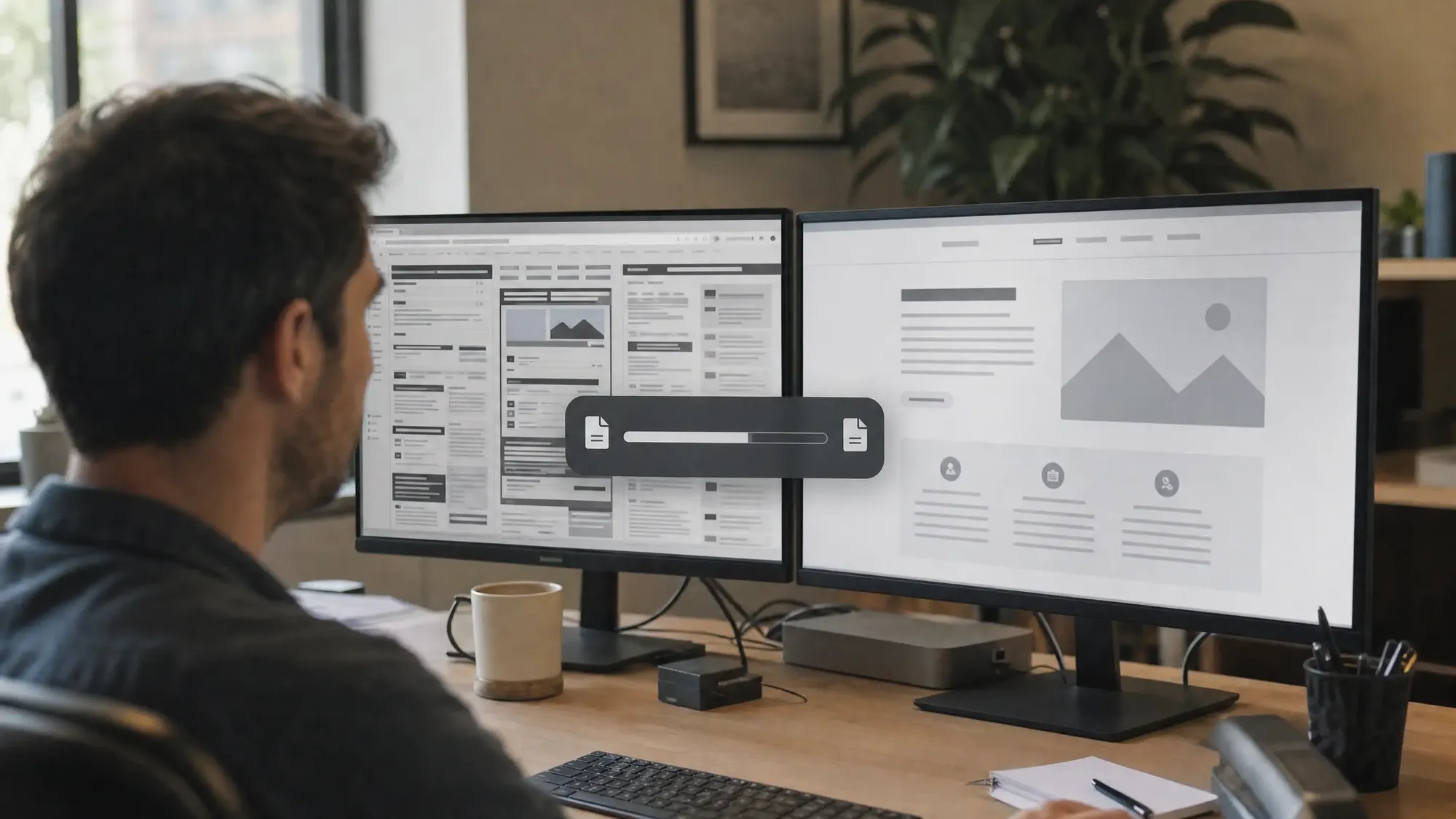
The problem
The site is slow or broken, the previous developer has stopped replying and nobody knows where the hosting lives. Touching it feels dangerous.
What I do about it
I recover access, back everything up, rebuild on a staging copy and move the site with every redirect mapped, so you are back in control without losing your search traffic.
Most of this work starts the same way. The site is slow, the previous developer has stopped replying, nobody knows where the hosting lives, and the plugin running the contact form gave up two years ago. Sometimes the site is fine but stuck on a platform you have outgrown, or on an old build nobody dares to touch. The first job is always the same: get you back in control of your own site.
Most of what I take over is WordPress, so that is where this service is strongest. Recovering access, clearing out plugin clutter, moving to hosting that suits the traffic, and rebuilding the parts that are past saving. Migrations keep your URLs and redirects intact, because a rebuild that loses your search rankings has cost you more than it fixed. You end up with the accounts, the passwords and a written record of where everything now lives.
What this covers
- Recovering access to hosting, domains and WordPress
- WordPress migrations between hosts, with no downtime
- Moving off Wix, Squarespace or an outdated build
- Clearing plugin clutter and fixing what broke
- Redirects and URL structure kept intact, so rankings hold
- Speed, security and Core Web Vitals brought back up
How I work
- 01
Find out what you actually have
Track down the hosting, the domain, the accounts and the WordPress version underneath. This is usually the slowest part, and it is worth doing properly.
- 02
Back everything up first
A full copy of the site and its database before anything is touched. Nothing moves until there is something to go back to.
- 03
Rebuild on a staging copy
The clean-up and the migration happen on a private copy while your live site keeps running. You see it before anyone else does.
- 04
Map the redirects
Every old URL either survives or points somewhere sensible. This is what protects the search rankings you already have.
- 05
Switch over and watch
Go live at a quiet hour, check pages and forms on real devices, then monitor search performance over the weeks that follow.
The first step is a short conversation.
What you walk away with
- Your site, working, on hosting you control
- Every account and password handed over in writing
- A redirect map and a post-migration search check
- A plan for keeping it healthy from here
Tools I reach for
- WordPress
- WooCommerce
A recent outcome
Back in control of a site that works.
No mystery hosting, no missing passwords, no dread about touching it. And the search traffic you had before the move is still there afterwards.
Why hire an expert
SEO
Titles, structure, redirects, structured data and crawlability are easy to get subtly wrong and slow to recover once Google has noticed.
Security
Forms, logins, API keys and third-party scripts are where sites get hurt. Someone has to review them line by line and keep updating them.
Maintenance
Software ages. Updates, backups, monitoring and a person to call are the difference between a site and a liability.
Questions about this service
Not if the move is planned. Every old URL either survives or redirects somewhere sensible, and search performance is checked in the weeks after the switch. Rankings are usually lost when redirects are skipped.
Usually, yes. The first step is to track down the hosting, the domain and the accounts. Once access is recovered, everything is backed up before any change is made, and you get the passwords in writing.
Yes. I move sites off Wix, Squarespace and outdated builds to WordPress or a modern stack, with the URL structure and redirects kept intact.
Related services
- Website MaintenanceUpdates, fixes and support to keep your website secure and running smoothly.
- Web DevelopmentWebsites and web apps built for speed and easy management: WordPress, headless WordPress, Next.js or Astro.
- AI-Ready WebsitesA site that AI search and agents can read, understand and quote correctly.
Have a project in mind?
Tell me what you're working on. I reply within one working day.